
Cyber Essentials: The 5 Controls Explained In Plain English
This guide explains what Cyber Essentials includes by breaking down the five core controls in clear, practical language. You will learn how firewalls, secure configuration, user access control, malware protection and security update management fit together, along with quick checks, common pitfalls, and a pre-audit checklist to prepare for certification and ongoing cyber resilience.
If you lead a growing organisation, you have probably heard about Cyber Essentials. It is a UK government-backed scheme that helps you put the basics in place to prevent common attacks. The challenge is turning the technical guidance into practical steps your team can follow.
This guide breaks the five controls into plain language, shares quick checks and pitfalls to avoid, and outlines a simple pre-audit checklist. You will also see how Jedi Services runs a guided Cyber Essentials journey, from gap analysis to evidence gathering, so you can move forward with confidence.
If you prefer a one-page overview, you can also review Jedi Services’s Cyber Essentials resource to get the essentials at a glance.
What Cyber Essentials includes
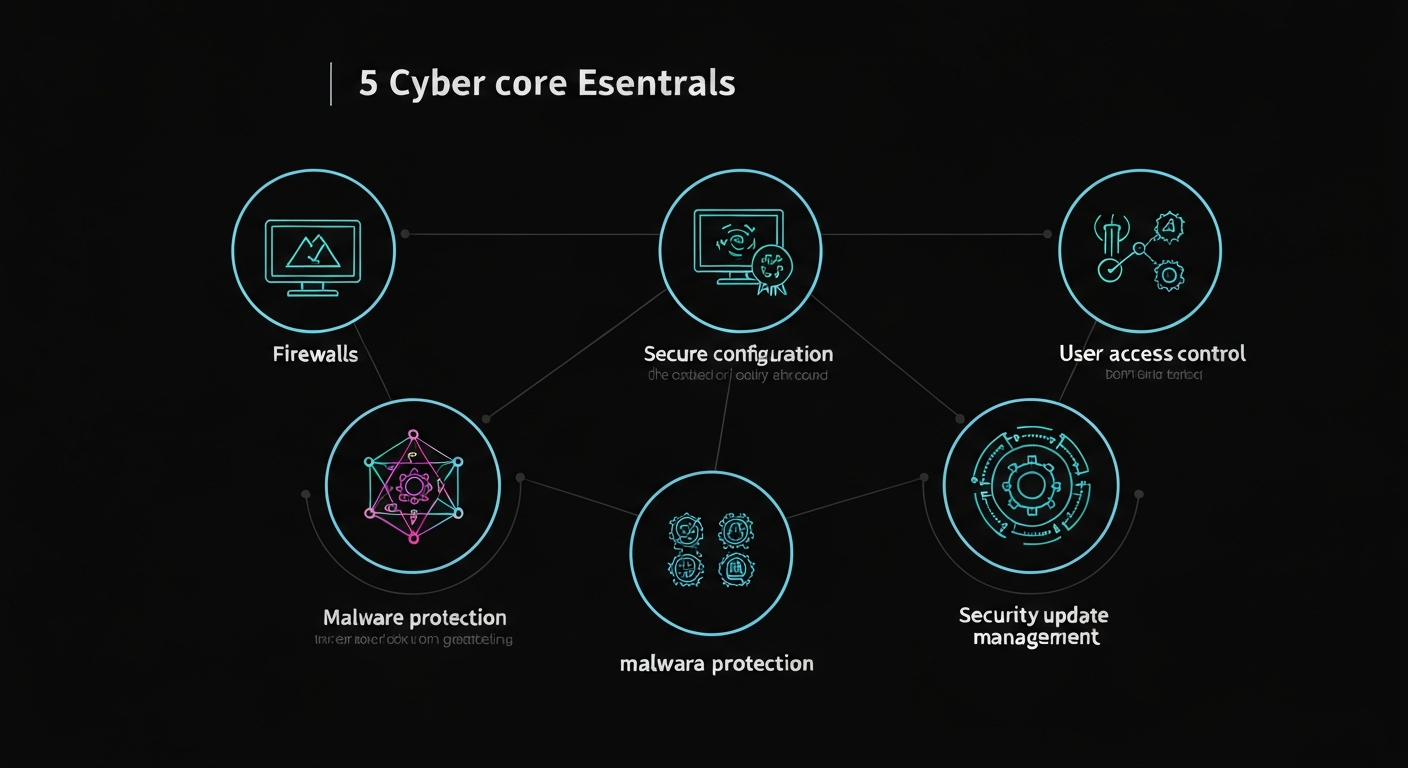
Cyber Essentials focuses on five control areas that stop the majority of everyday attacks:
- Firewalls and internet gateways
- Secure configuration
- User access control
- Malware protection
- Security update management
Below we explain each one in practical terms.
1) Firewalls and internet gateways
Think of your firewall as the front door to your network. It decides what is allowed in and out. For Cyber Essentials, you need to use a properly configured firewall on every internet-connected device, whether that is a laptop at home or your office router.
Quick checks:
- Make sure default passwords on routers and firewalls are changed to strong, unique credentials.
- Disable unused services like remote administration over the internet unless you genuinely need them.
- Close unnecessary open ports and only allow what your business needs.
Common pitfalls: exposing Remote Desktop Protocol (RDP) to the internet, leaving Universal Plug and Play enabled, or keeping vendor default admin accounts active.
2) Secure configuration
Out-of-the-box settings often favour convenience over security. Secure configuration means hardening settings so devices are fit for business use.
Quick checks:
- Remove or disable unused accounts, apps and browser extensions.
- Turn off auto-run for USB devices, hide or disable guest accounts, and require a password on wake.
- Enforce disk encryption on laptops and use a standard build that is applied consistently.
Common pitfalls: leftover local admin accounts, unnecessary software that expands your attack surface, and inconsistent device builds that are hard to manage.
3) User access control
Not everyone needs administrator rights. Least privilege reduces the blast radius if an account is compromised.
Quick checks:
- Give users standard accounts for day-to-day work and reserve admin accounts for approved tasks.
- Enforce Multi-Factor Authentication (MFA) for email, Microsoft 365 and any remote access.
- Remove access promptly when people leave, and review privileged accounts monthly.
Common pitfalls: shared logins, always-on admin rights, and unmonitored legacy accounts.
4) Malware protection
Modern malware is sneaky and fast. You need layered endpoint protection and good user habits.
Quick checks:
- Install managed antivirus or Endpoint Detection and Response (EDR) across all devices, including Macs.
- Block unknown executables where possible and scan downloads and email attachments.
- Train staff to report suspicious links or files rather than clicking.
Common pitfalls: relying on built-in tools without central management, missing devices like home laptops, and letting licences lapse.
5) Security update management
Patching is the quiet hero of cyber resilience. Most successful breaches exploit known, unpatched vulnerabilities.
Quick checks:
- Turn on automatic updates for operating systems, browsers and core applications.
- Track assets so every device is included in patch cycles, with staged rollouts to minimise disruption.
- Retire or isolate End of Life systems that no longer receive fixes.
Common pitfalls: devices that are off-network and never update, delays on high-severity patches, and unsupported software that cannot be secured.
A practical pre-audit checklist
Use this short list to get audit-ready and aligned with Jedi Services’s services:
- MFA rollout: enforce MFA on Microsoft 365, remote access, VPNs and admin portals.
- Patch management: enable automatic updates, establish a monthly review, and capture proof of patch status.
- Endpoint AV/EDR: deploy centrally managed protection to all endpoints and generate a coverage report.
- Password manager: adopt a business-grade tool so staff use unique, strong credentials.
- Device hardening: apply a standard secure build, disable unused services and enforce disk encryption.
- Admin rights review: separate admin and user accounts, remove dormant admins and log privileged activity.
Typical timelines and how Jedi Services guides your CE journey
Every organisation is different, but here is a realistic flow for Cyber Essentials, with typical time ranges that can vary by size and complexity:
- Week 1, discovery and gap analysis: we review your current controls, device inventory and policies, then map gaps against the five requirements.
- Weeks 2 to 4, remediation: we roll out MFA, tighten firewall rules, harden devices, deploy or tune EDR, and bring patching under central control. Evidence is captured as we go.
- Weeks 4 to 5, validation and evidence pack: we run quick checks against each control, collect screenshots and reports, and prepare your self-assessment responses.
- Submission and follow-up: we support the submission and advise on next steps toward Cyber Essentials Plus if required.
Need help with Microsoft 365 controls, antivirus, or patching? Our managed IT support and cybersecurity services are built for SMEs that want practical outcomes without the jargon.
Common pitfalls to avoid
- Treating remote and home devices as exceptions. If they touch company data, they must meet the same standard.
- Leaving admin rights in place because it is convenient. Least privilege is essential.
- Assuming built-in email and endpoint tools are enough without central management or reporting.
- Delaying updates for weeks. Most attacks do not need novel exploits, just old holes that never got patched.
FAQ: quick answers in plain English
- What are the 5 Cyber Essentials controls? Firewalls, secure configuration, user access control, malware protection and security update management.
- What does Cyber Essentials include? A self-assessment against those five controls, supported by evidence that your devices and accounts meet the baseline.
- What are the cyber essentials requirements? Prove that every in-scope device is protected by a firewall, securely configured, managed for access, covered by malware protection and kept up to date with patches.
- What are the five main types of cyber security? For this scheme, focus on the five controls above. In broader terms, organisations often talk about network security, endpoint security, identity and access management, application security, and data protection.
- What are the 5 controls of Cyber Essentials? The same five listed here, implemented across all in-scope systems, with evidence.
How Jedi Services can help
Jedi Services provides a guided path from first conversation to certificate. We handle the heavy lifting so you keep moving:
- Gap analysis mapped to the five controls, with a plain-language action plan.
- Hands-on remediation: MFA enablement, patch management, EDR deployment, password manager rollout, device hardening and admin rights clean-up.
- Evidence gathering and submission support, plus practical aftercare to keep you compliant between renewals.
If you are comparing providers or simply want to see how the baseline maps to your environment, explore our Cyber Essentials guidance and resources. For broader support, our team delivers managed cybersecurity solutions and responsive IT support across the UK, including London and St Albans.
Helpful resources on our site:
- Learn more about Cyber Essentials and next steps toward Cyber Essentials Plus on our Cyber Essentials page.
- Review our managed cybersecurity solutions for businesses to see how controls fit into daily operations.
Summary
Cyber Essentials is not about perfection. It is about getting the fundamentals right so most attacks fail before they start. Focus on the five controls, use the pre-audit checklist to drive action, and capture evidence as you go. If you want a steady hand on the tiller, Jedi Services can guide you from gap analysis through remediation and certification at a pace that suits your team. Ready to make progress today? Start with our Cyber Essentials resource or get in touch to plan your next steps.